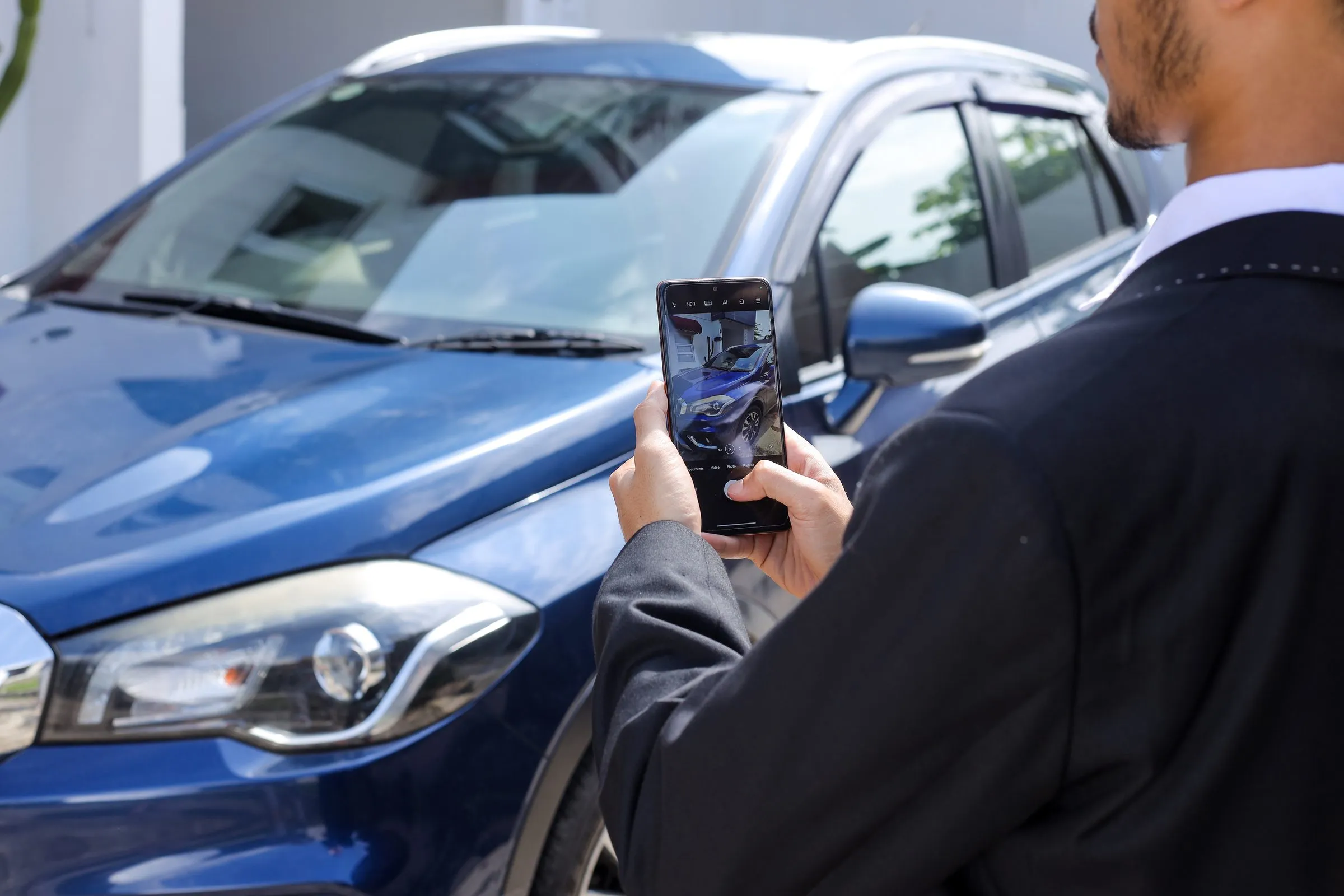
When a shopper searches “used Tacoma Kelowna”, the first thing they see may not be a text ad. It’s increasingly a row of vehicle photos with a price, kilometres and a dealer name under each one. Those are Google Vehicle Ads, and they’ve been available to every Canadian advertiser since April 2023 (Google Canada).
For a used-car dealer, they’re one of the most direct ways to put specific units in front of shoppers who are searching for them right now. Here’s how they work, what you need to run them in Canada, and the mistakes that get ads disapproved.
What Google Vehicle Ads are
Vehicle Ads show an individual vehicle from your inventory: photo, make, model, price, mileage and your dealership’s name. A click goes straight to that vehicle’s page on your website (Google).
They differ from regular search ads in three ways:
- They’re built from your inventory feed, not from keywords and ad copy you write.
- They’re visual. A shopper sees the actual vehicle before clicking.
- They’re local. Google shows each vehicle to people searching around the store that has it.
Vehicle Ads are fully released in Canada, the U.S., Australia and Japan (Google). They run through Performance Max (or Standard Shopping) campaigns in Google Ads and appear in Google Search. Placement on Google’s Display Network is gradually rolling out in Canada for Performance Max campaigns with a vehicle feed (Google).
Who can run them
Google allows dealers, retailers, aggregators and manufacturers to advertise new and used vehicles. Private sellers and brokers can’t. Vehicles must have a clean title (salvage and lien titles aren’t eligible), and you need a physical location where customers can see and buy the vehicle (Google). Passenger vehicles qualify, as do RVs and campers. Motorcycles, boats and commercial vehicles don’t.
What you need to set up
- A Google Merchant Center account with the vehicle ads add-on turned on, and your website verified and claimed.
- A Google Business Profile for each location, linked to Merchant Center, with a valid address, accurate hours and a unique store code (Google).
- A linked Google Ads account.
- A vehicle inventory feed. Required details include VIN, price, condition (new or used), make, model, year, mileage, colour, a photo, and the store code for the location that has the vehicle (Google).
- A campaign: usually Performance Max with the vehicle feed attached.
The feed is where most of the work is, and it has to stay in sync with your lot every day.
The rules that trip up Canadian dealers
Prices must match, and new vehicles need an all-in price
Google requires the price in your feed to match the price on the vehicle’s page exactly (Google), and since April 2026 it disapproves vehicles whose feed data doesn’t match the landing page (Google). For new vehicles in Canada, Google requires an all-in price that includes accessories, freight and dealer and regulatory fees, but not sales tax or licensing (Google). That lines up with provincial advertising rules such as Ontario’s all-in pricing requirement (OMVIC), so one honest price can serve both.
The vehicle page has to show the essentials
Without extra clicks, the page a shopper lands on must show your dealership name and location, the price, the VIN, the kilometres for used vehicles, and that the vehicle is available. A vehicle marked “sold”, “reserved” or “incoming” gets disapproved, and so do duplicate VINs (Google).
Photos must be clean
This one catches a lot of dealers. Google disapproves vehicle images with overlaid watermarks, superimposed logos or text, placeholder images, or stock photos of a used vehicle. It recommends a front three-quarter shot as the main image, at least 1500 × 1500 pixels (Google).
If you use price banners or dealer branding on your listing photos elsewhere, send Google the clean originals. The banner that works on a marketplace listing can get your Vehicle Ad rejected.
Getting results
- Start with your used inventory. It’s where your pricing and selection set you apart, and where shoppers compare dealers most.
- Keep the feed fresh. Sold units should drop out the same day, and price changes should reach Google before a shopper notices the mismatch.
- Use real, consistent photos. The image is the ad. Clean, well-lit shots of the actual vehicle earn the click.
- Track what happens after the click. Set up conversions for calls, form fills and direction requests, so Google optimizes toward leads, not just clicks.
- Pair them with search ads. Google’s own beta results showed advertisers who added Vehicle Ads to existing search campaigns averaged 25% more conversions (Google Canada). That’s Google’s figure, from its own testing, but the logic holds: the two formats catch different searches.
How Carpages helps
DealerEdge+ runs Google and Meta campaigns built from your live inventory, including vehicle listing ads and dynamic inventory search ads, so your ads update as vehicles sell and arrive. Carpages websites (DealerSite+ and DealerPage+) give every vehicle a detailed page with the price, VIN and photos Google expects. Background Studio gives your photos a clean, consistent backdrop.
Want help getting Vehicle Ads running for your store? Fill in the form below and our team will be in touch.
Sources
- Google Canada blog: Get into gear with vehicle ads on Google (April 2023)
- Google Merchant Center Help: Vehicle ads overview, Vehicle ads activation, Vehicle ads policies, Vehicle inventory attributes, Vehicle ads image guidelines, Vehicle ads in Performance Max, Announcements
- OMVIC: All-in price advertising