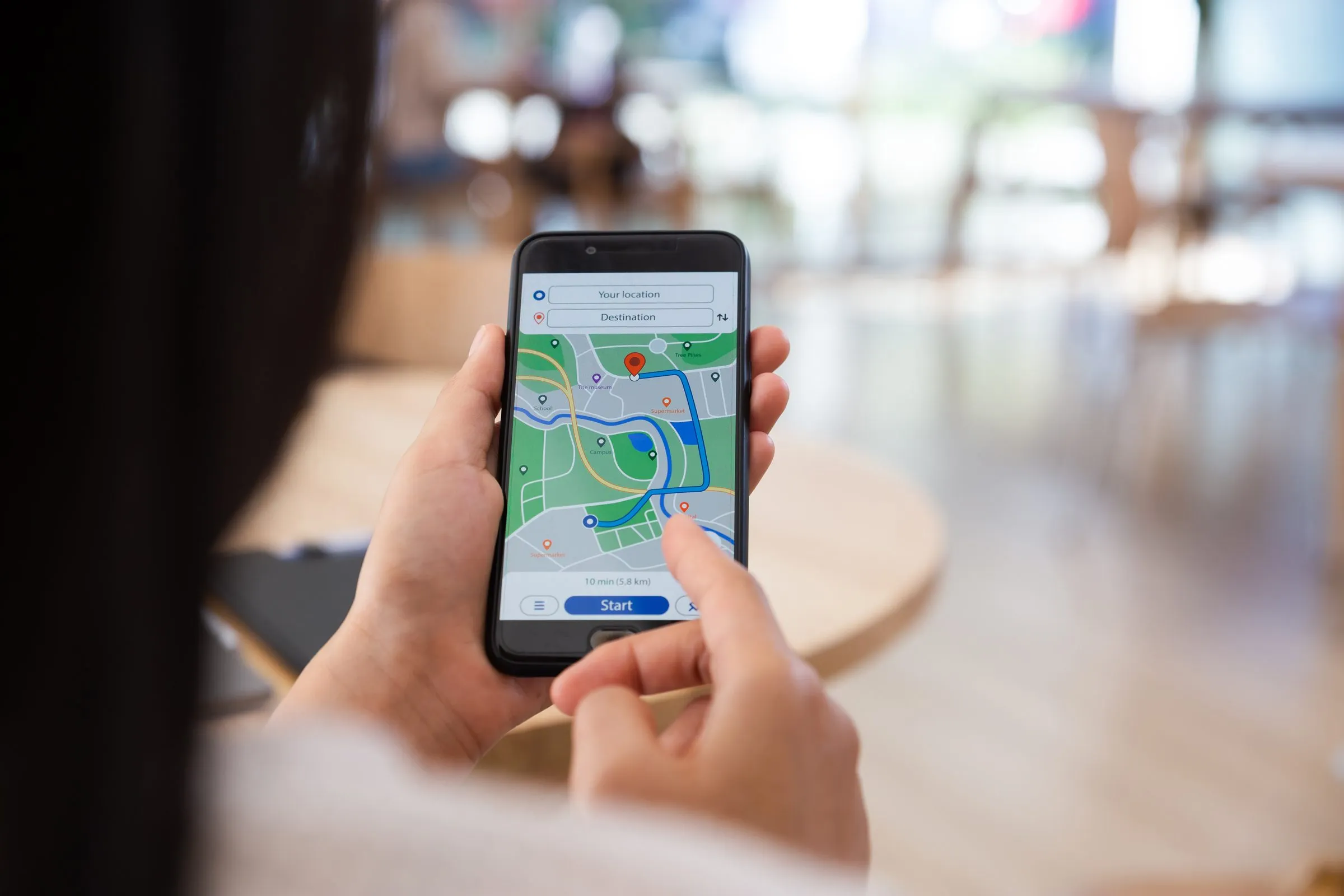
When someone in Barrie types “used cars near me”, Google doesn’t show them the best dealership in Canada. It shows them the best match close to where they’re standing. That’s good news for a local store: you don’t have to outrank national marketplaces everywhere, only in the few kilometres around your lot.
Local search is a set of signals you control. Here’s what Google says it looks at, and the work that moves each one.
How Google ranks local results
Google’s own help page names three factors for local results (Google):
- Relevance: how well your Business Profile matches what the person searched for.
- Distance: how far your dealership is from the searcher, or from the location in their search.
- Prominence: how well known your business is, which includes links, articles and your review count and rating.
You can’t change your distance. You can make your profile more relevant and your dealership more prominent. Google is also clear that you can’t pay for a better local ranking.
Get your Google Business Profile right
Your Business Profile is what shows in the map results, so it carries most of the weight for “near me” searches. Google has rules written specifically for car dealers (Google):
- One profile per department. A dealership can have a main profile plus separate profiles for sales, service and parts. Name them “Dealership name + department”.
- Brand profiles are for new-car dealers only. A franchise store can have a profile per brand it sells new. A used-car dealer can’t.
- Use the right category. “Car dealer” for sales, “Car service” for the service department, “Auto parts business” for parts. Pick the category that completes “this business IS a”, not “this business HAS a”.
- Use your real name. Your profile name must match the name on your sign. Adding “Best Used Cars Mississauga” to it breaks Google’s guidelines and can get the profile suspended (Google).
- Set accurate hours. Use your sales hours on the main profile. If new and used sales keep different hours, Google says to use the new-car hours.
Then fill in everything else: a precise address, phone number, website link, opening date, photos of the lot and showroom, and the services you offer. Complete profiles give Google more to match against.
Reviews: ask every customer, the right way
Reviews feed prominence, and shoppers read them before they call. The rules matter here, because breaking them can cost you the reviews and more.
Google’s policy bans offering anything in exchange for a review, asking only happy customers (“review gating”), pressuring people to review on the premises, and reviews from employees (Google). Canada’s Competition Bureau adds that employees who review their own employer must disclose the connection, and the business can be liable for misleading reviews it allows (Competition Bureau).
What works:
- Ask everyone at delivery. Hand over a card with a QR code or text a short link to your review page. Ask every buyer and service customer, not just the ones who smiled.
- Reply to every review. Keep it short and specific, thank the customer by first name, and never share their private details. For a negative review, acknowledge it and offer to continue the conversation offline (Google).
- Make it someone’s job. A weekly check by one manager beats an occasional burst of replies.
Build location pages that earn the click
Your Business Profile gets you into the map pack. Your website has to win the regular results under it, and convert the visitor who clicks through.
Most dealers draw customers from a handful of nearby towns. A page per area you serve, with useful local content, gives Google a reason to show you for “used trucks Orillia” as well as for your home town. Make each page earn its place:
- Real directions and drive times from that town to your store.
- The inventory that matters there: trucks and 4x4s for rural areas, fuel-efficient commuters near transit corridors.
- Reviews from customers in that area, with their permission.
Don’t publish ten copies of the same page with the town name swapped. Google’s spam policies treat mass-produced, low-value pages as “scaled content abuse”, however they’re made (Google).
Your inventory pages are local SEO too
Every vehicle detail page (VDP) is a page that can rank. A VDP with a unique description, the full trim and options, real photos and your location says far more to Google than a page holding only a price and a stock photo.
- Write a real description for each vehicle. Copy-and-paste text across hundreds of VDPs gives Google nothing to rank.
- Show the all-in price. In Ontario, OMVIC’s all-in price rule applies to dealer websites as well as print ads (OMVIC). A clear price also keeps shoppers on the page.
- Mark up your pages. Schema.org has an
AutoDealertype for your dealership and aVehicletype for inventory (schema.org). Google’s own vehicle listing rich results were US-only and were retired in 2025 (Google), so treat markup as helping search engines understand your pages, not as a guaranteed visual feature. - Keep the site fast on phones. Google indexes the mobile version of your site (Google) and recommends good Core Web Vitals scores (Google).
- Remove sold units promptly. OMVIC’s advertising guideline expects it (OMVIC), and a shopper who lands on a sold car rarely calls.
A 30-day local SEO checklist
- Audit your Business Profiles: one per department, correct names, categories and hours.
- Add 20 or more current photos of the lot, showroom, service bay and team.
- Set up a review request at delivery, and reply to every review from the last 90 days.
- Check that your dealership name, address and phone number match everywhere they appear online.
- Write one useful location page for your most important nearby town.
- Replace template descriptions on your 20 oldest vehicles with real ones.
- Test your top VDPs on a phone over mobile data. If they’re slow, fix that first.
How Carpages helps
DealerSite+ and DealerPage+ sites are built mobile-first, with inventory pages that stay in sync with your Carpages Dealer Dashboard, so sold vehicles come off and new arrivals go up without extra work. AutoIntelligence writes a unique, keyword-rich description for every vehicle, which fixes the copy-and-paste problem across your whole lot. And if you want paid traffic on top of organic, DealerEdge+ runs Google and Meta campaigns built from your live inventory.
Local search rewards the dealer who keeps the basics tidy, week after week. Start with your Business Profile this week. It’s free and it moves the fastest.
Sources
- Google Business Profile Help: How Google ranks local results, Business Profiles for car dealerships, Guidelines for representing your business, Tips to get more reviews
- Google Maps: Fake and misleading content policy
- Competition Bureau Canada: Online reviews posted by employees (January 2024)
- Google Search Central: Spam policies, Simplifying the search results page (June 2025), Mobile-first indexing (October 2023), Core Web Vitals
- OMVIC: All-in price advertising, Advertising guideline
- schema.org: AutoDealer