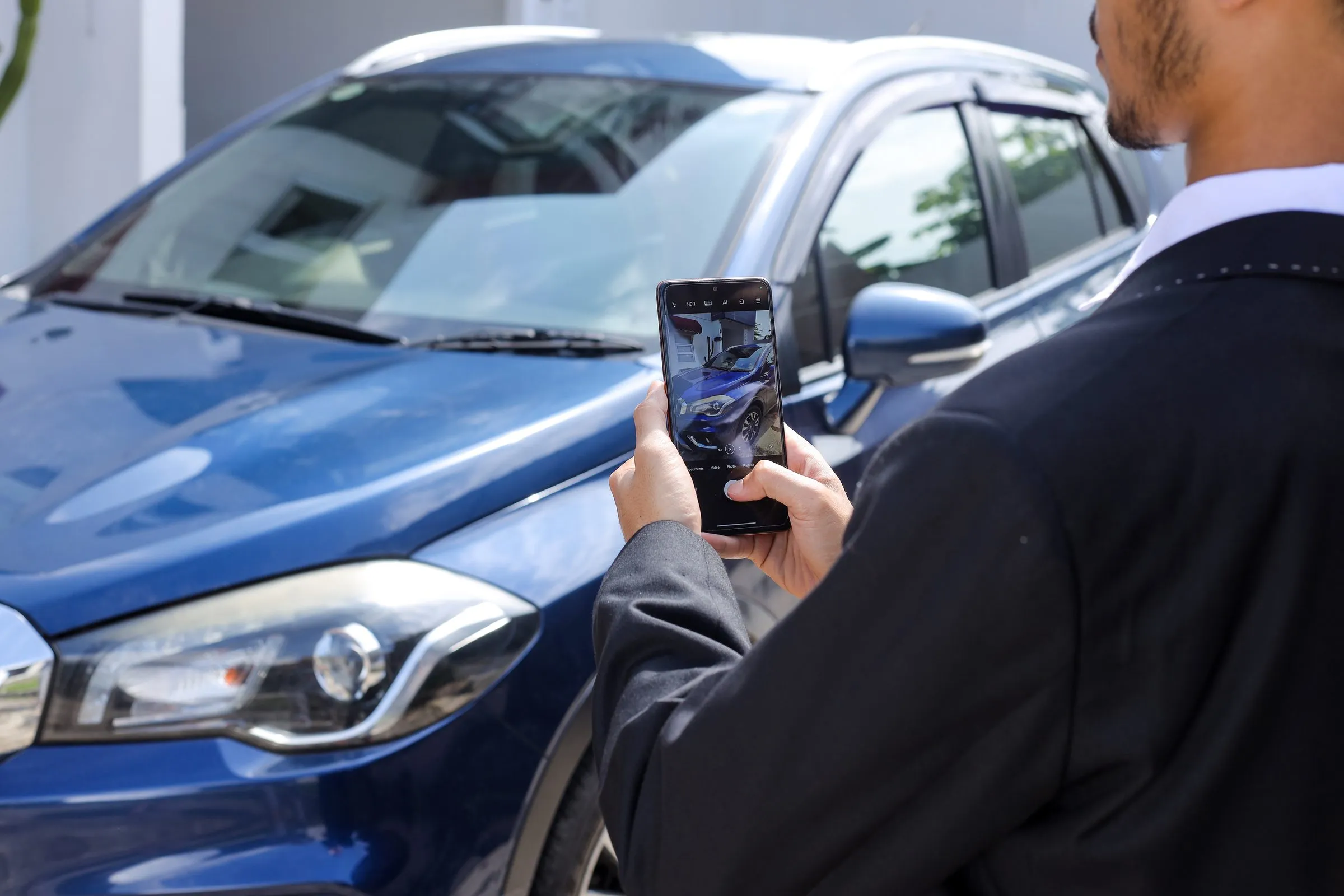
Online, the photos are the vehicle. A shopper can’t walk around it, open the doors or check the tires, so they decide from your pictures whether it’s worth a call. Good photos won’t sell a bad deal, but poor photos can sink a good one.
Here’s what the data says, a shot list your team can follow on every unit, and the rules that apply.
What the data says
The best-known studies are American, but the pattern is consistent:
- Any photo beats none. CarGurus found that U.S. used-car listings with at least one photo got 72% more leads than listings without (CarGurus).
- Real photos beat stock. In Cox Automotive’s analysis of Autotrader data, listings with multiple custom photos instead of a single stock image got many more clicks through to the vehicle page, especially for used vehicles (Cox Automotive).
- Shoppers look for specific shots. In a Cox survey, used-vehicle shoppers ranked the odometer photo as one of the most important (Cox Automotive).
A shot list for every vehicle
Consistency matters more than fancy equipment. Use the same order on every unit so shoppers know where to look. A good baseline, similar to the one Cars Commerce asks dealers to follow (Cars Commerce):
- Hero shot: front three-quarter view from the driver’s side. This is your thumbnail everywhere.
- Exterior: front, rear, both sides and the other three-quarter angles.
- Wheels and tires, including tread.
- Interior: dashboard, front seats, rear seats, cargo area, and any screens turned on.
- Odometer, clearly readable.
- Engine bay.
- Features buyers ask about: sunroof, third row, towing package, remote start.
- Any damage or wear, shown honestly.
- VIN plate or sticker.
Aim for 20 or more photos on a used vehicle. Shoot in even light (an overcast day or open shade beats harsh midday sun), with the vehicle clean and the lot clutter out of frame.
Platform rules to know
- Google Vehicle Ads reject images with watermarks or superimposed logos or text, placeholder images, and stock photos of used vehicles. Google recommends a front three-quarter main image at 1500 × 1500 pixels or larger (Google). If you edit images with generative AI, Google requires the metadata that marks them as AI-generated to stay in the file (Google).
- Meta’s vehicle catalogues accept up to 20 images per vehicle (Meta).
Keep photos honest
Photos are advertising, and provincial rules apply. OMVIC’s guideline says a photo should ideally show the actual vehicle for sale, and a stock photo must be identified as such (OMVIC). Alberta requires an ad to say whether the picture shows the actual vehicle (AMVIC), and Quebec requires a picture shown with a price to accurately depict the goods (Consumer Protection Act).
Background replacement is fine for a cleaner look, as long as the vehicle itself is shown as it is: same colour, same wheels, same damage.
Make it fast enough to keep up
The hardest part isn’t taking good photos. It’s doing it for every unit, the day it arrives. A few habits help:
- Photograph before reconditioning is finished only if you’ll reshoot after. Otherwise wait, and shoot once.
- Use one phone, one mount and one spot on the lot with a plain background.
- Upload straight to your inventory system so photos reach your website and listings at the same time.
How Carpages helps
Background Studio removes the background from any vehicle photo and replaces it with a clean, consistent backdrop, using preset backgrounds or your own. Pair it with Cruise Control and every new vehicle gets your chosen background automatically, along with any image overlays you set.
Sources
- CarGurus: Dealer listing data (U.S., 2025)
- Cox Automotive: Telling your value story through photos (U.S., May 2018), Every picture sells a story
- Cars Commerce: DealerClub photo requirements
- Google Merchant Center Help: Vehicle ads image guidelines, Image requirements; Meta for Developers: Automotive catalogue reference
- OMVIC: Advertising guideline; AMVIC: Rules for advertising; Quebec Consumer Protection Act